

Add a webhook
- Playground
- API
- Open the agent and go to Advanced.
- Under Context, click Add webhook next to Post-call webhooks.
- Enter a Name, the URL, and an Authentication Secret of your choice.
- Click Add.
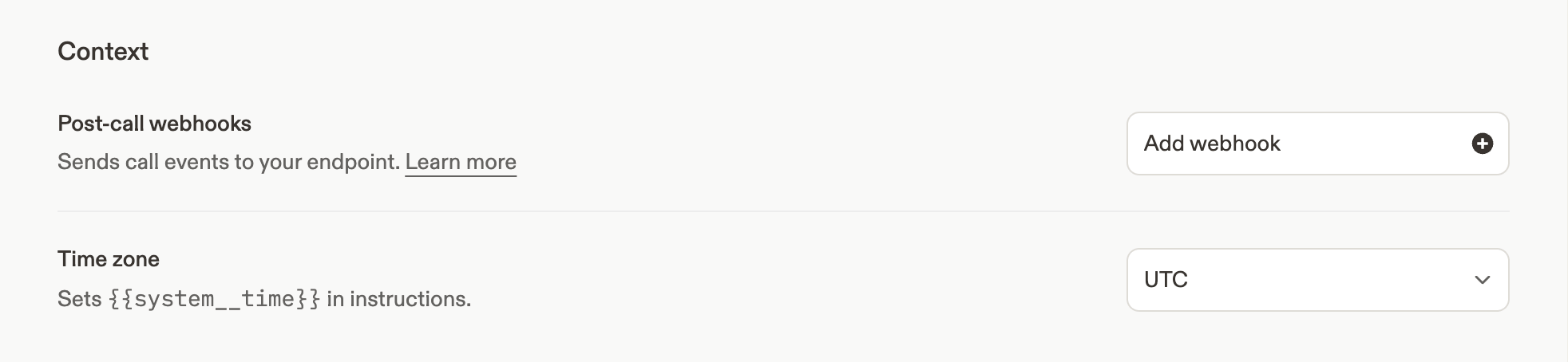
Post-call webhooks on the Advanced page.
Verify requests
Each request is aPOST with Content-Type: application/json and an X-Webhook-Secret header containing the secret you set. Reject requests where the header doesn’t match.
Events
Ignore event types you don’t handle; Cartesia may add more.
Payload
Every event shares these fields:
The events above also carry one detail object:
calloncall_started,call_completed, andcall_failed: the full call, the same object Get Call returns.end_reasonis also set on the last two.turnoncall_turn:role,text,start_timestamp,end_timestamp,was_interrupted, and, on turns that invoke tools,tool_callswith each call’sname,arguments, andresult.analysisonpost_call_analysis:summary.
call_turn