

Slot limits apply only to Cartesia-provisioned numbers. Numbers imported from Twilio or connected through a SIP trunk do not use slots and are billed by your own provider.
Cartesia-provisioned numbers have two limits:
- US numbers only. Every Cartesia number is a US number.
- Outbound to US only. Outbound calls can only reach US destinations, regardless of your agent’s region.
Provision a number
- Playground
- API
- Go to Phone Numbers in the sidebar.
- Click Add Number, then Cartesia Number.
- Enter a name for the number.
- Optionally assign an agent.
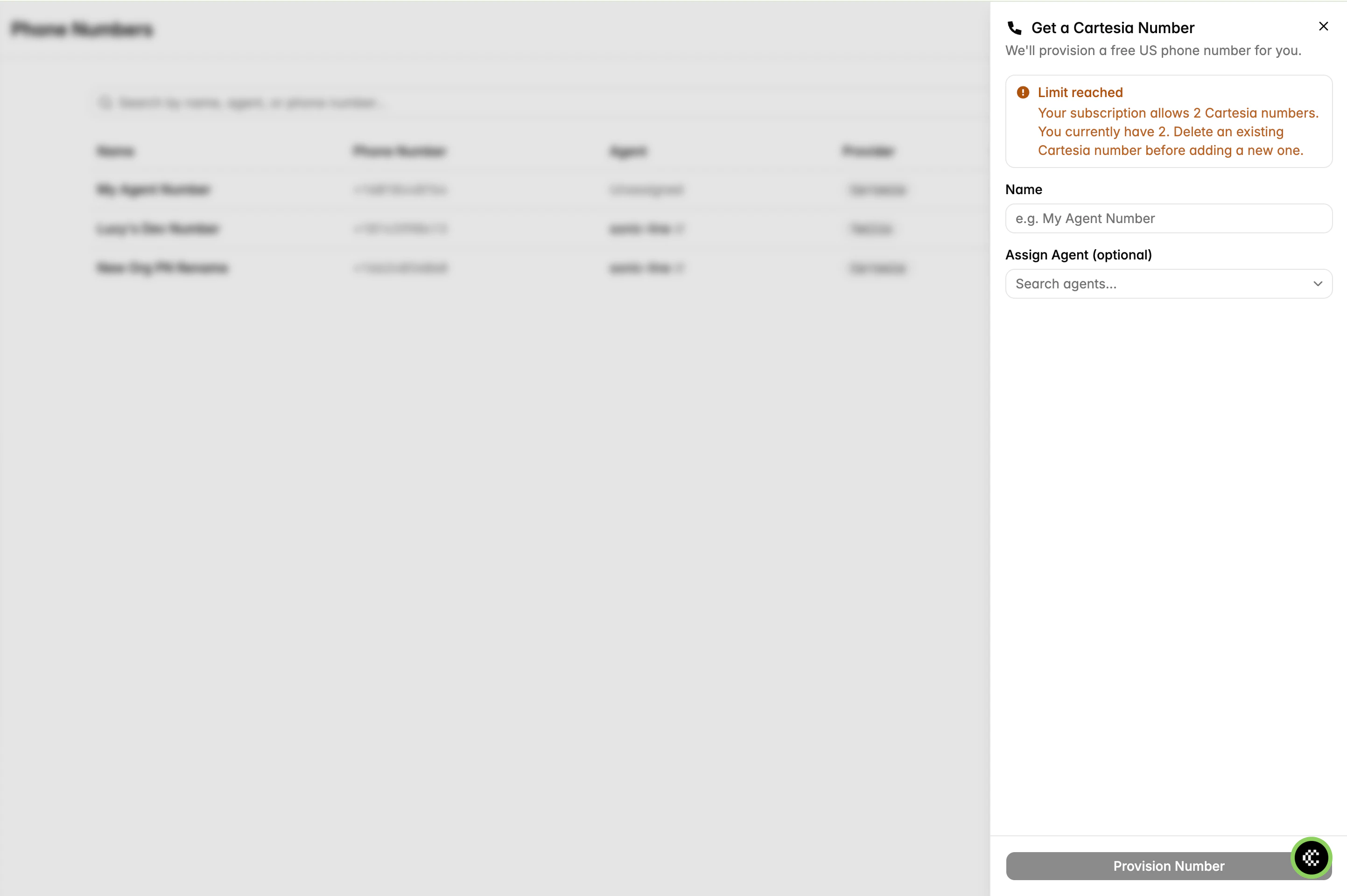
Cartesia provisioning panel
If you have used every slot, delete an existing Cartesia number or upgrade your plan to add more.
Delete a number
Deletion is permanent. The number is released and cannot be recovered. Unassign the number from its agent first.- Playground
- API
- Go to Phone Numbers and open the number.
- Unassign the number from its agent.
- Click Delete.