

- System tools are built-in Cartesia actions, such as ending a call, that you configure directly on an agent.
- Webhook tools call HTTPS endpoints that you expose on your server. Cartesia sends the HTTP request.
- Client tools run functions in the browser, mobile app, or server connected to Cartesia over the WebSocket API.
Attach tools to an agent
Webhook and client tools are shared resources. Create one withPOST /v1/agents/tools, then add its ID to config.tools. An agent can reference up to 64 tools.
An update to config.tools replaces the complete list. A referenced tool cannot be deleted until you remove it from every current agent configuration.
System tools are configured separately on config.system_tools.
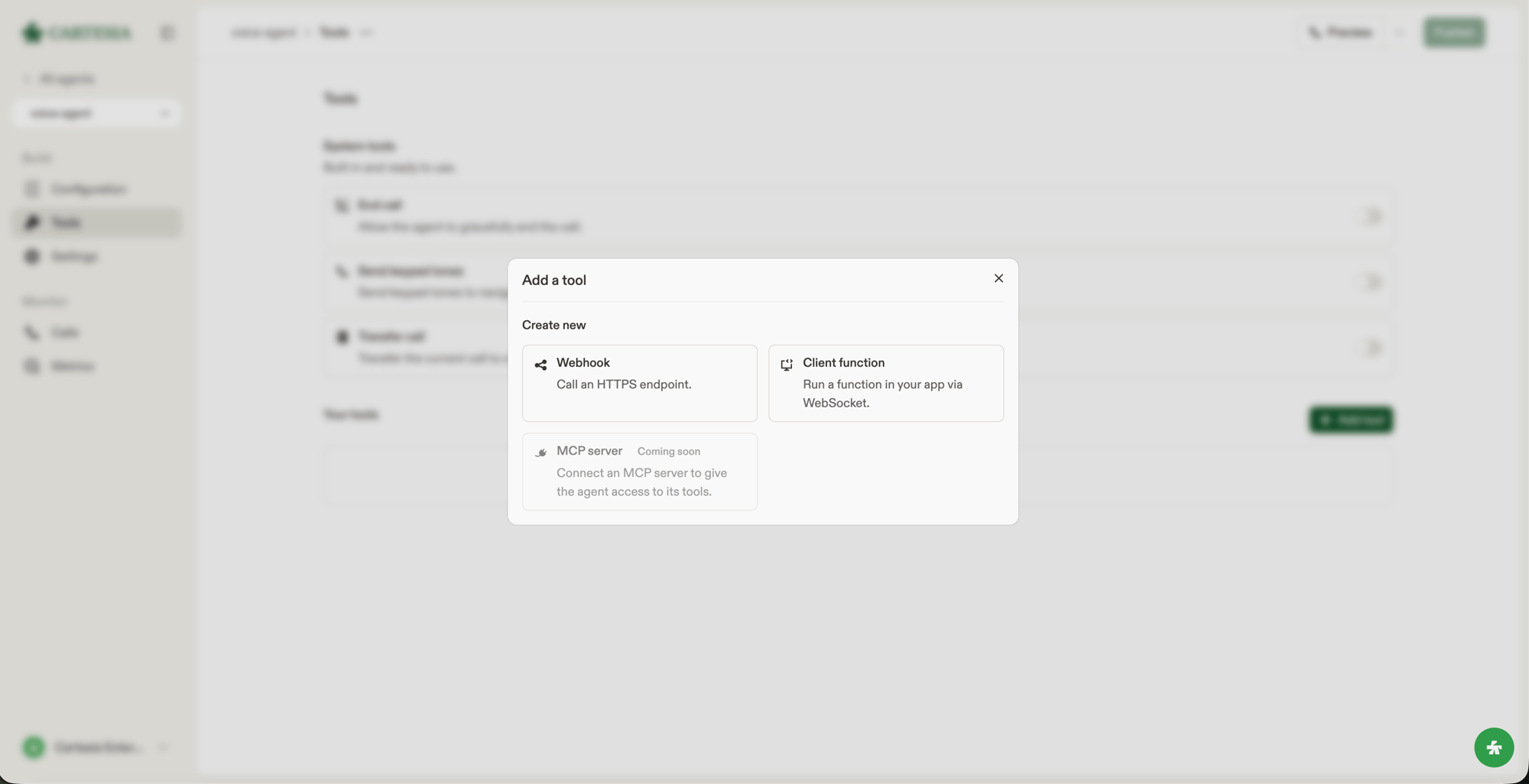
Add a webhook or client tool from the Tools page in the Playground.
Describe a tool
The LLM uses a tool’sname and description to decide when to invoke it. State what the tool does and when to use it.
Execution settings
Webhook and client tools use these settings:Results
Cartesia runs system tools and handles their results. For a webhook tool, a successful HTTPS response with a textual body passes that body to the LLM as the result. Cartesia limits that body to 16 KiB and adds[cut off: the response was longer than this tool returns] when it is longer. If the endpoint returns a non-2xx status, times out, or cannot be reached, the LLM receives an error result and the conversation continues.
For a client tool that must return a result, the connected browser, mobile app, or server sends a client_tool_result message over the WebSocket connection. If no result arrives before response_timeout_secs, Cartesia gives the LLM Tool call timed out. If the result exceeds 16 KiB, Cartesia replaces it with an error result whose error_type is result_too_large.
System tools
Built-in actions you configure directly on an agent.
Webhook tools
HTTP requests that Cartesia sends to your server.
Client tools
Functions that the connected browser, mobile app, or server runs over the WebSocket API.