> ## Documentation Index
> Fetch the complete documentation index at: https://docs.cartesia.ai/llms.txt
> Use this file to discover all available pages before exploring further.
# Deployments
Deployments are instances of your agent running on Cartesia's servers.
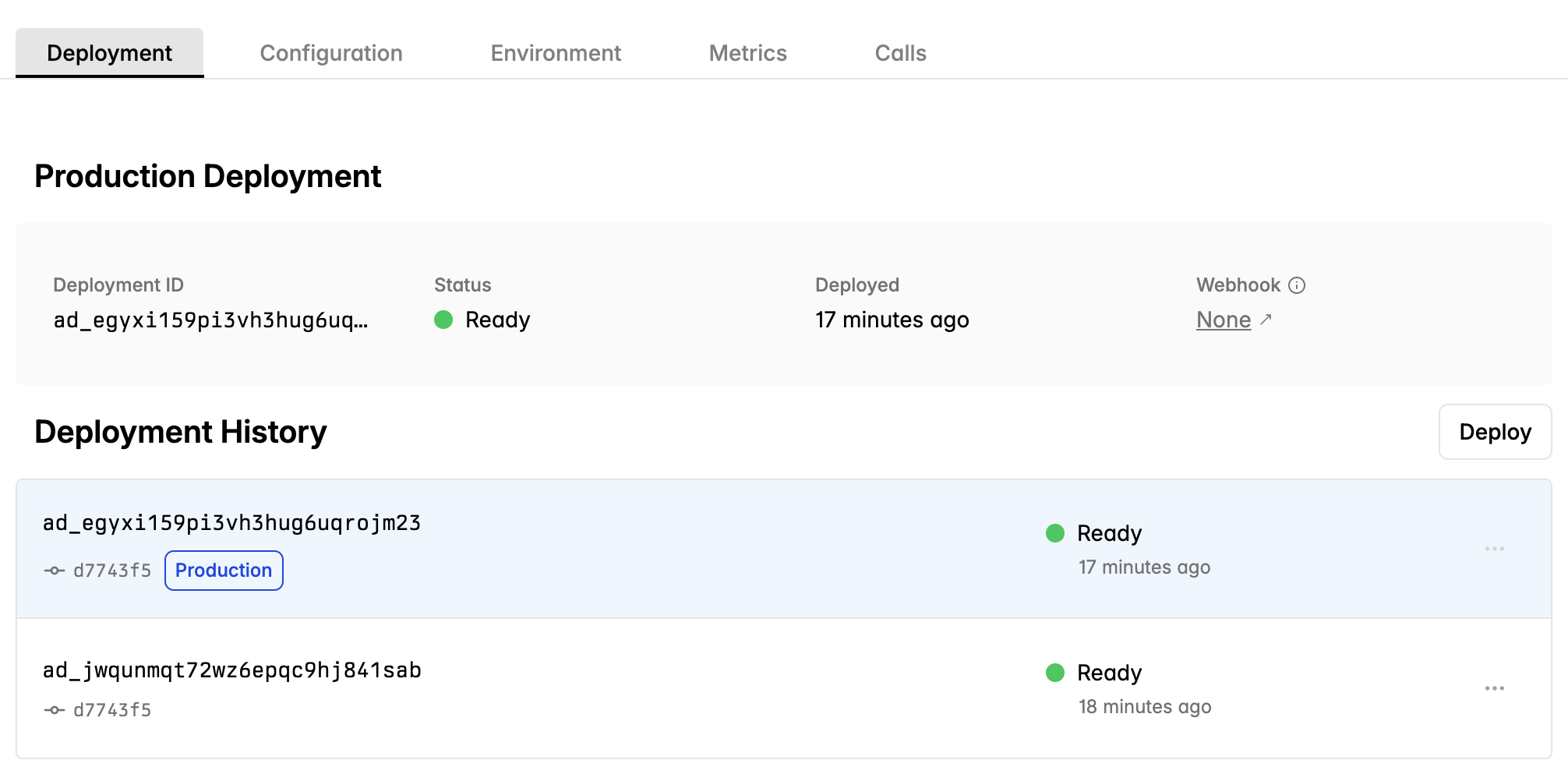 # State
Only deployments in the `ready` state can handle inbound or outbound calls. At any time, only one deployment is active.
Deployments that fail health checks will not receive traffic.
# Creating a deployment
Use `cartesia deploy` or push to a linked GitHub repository to create a deployment.
Cartesia servers:
1. Build the virtual environment
2. Load `main.py` and instantiate a FastAPI app
3. Run a health check
4. Set the deployment to `ready` and start receiving traffic
Line supports Python 3.9–3.13 (specify in `pyproject.toml`). FastAPI servers only; more frameworks coming soon.
**Pre-Call Initialization**
Inbound calls will ring for five seconds to allow your application logic to warm up any required resources and establish
connections.
# State
Only deployments in the `ready` state can handle inbound or outbound calls. At any time, only one deployment is active.
Deployments that fail health checks will not receive traffic.
# Creating a deployment
Use `cartesia deploy` or push to a linked GitHub repository to create a deployment.
Cartesia servers:
1. Build the virtual environment
2. Load `main.py` and instantiate a FastAPI app
3. Run a health check
4. Set the deployment to `ready` and start receiving traffic
Line supports Python 3.9–3.13 (specify in `pyproject.toml`). FastAPI servers only; more frameworks coming soon.
**Pre-Call Initialization**
Inbound calls will ring for five seconds to allow your application logic to warm up any required resources and establish
connections.